


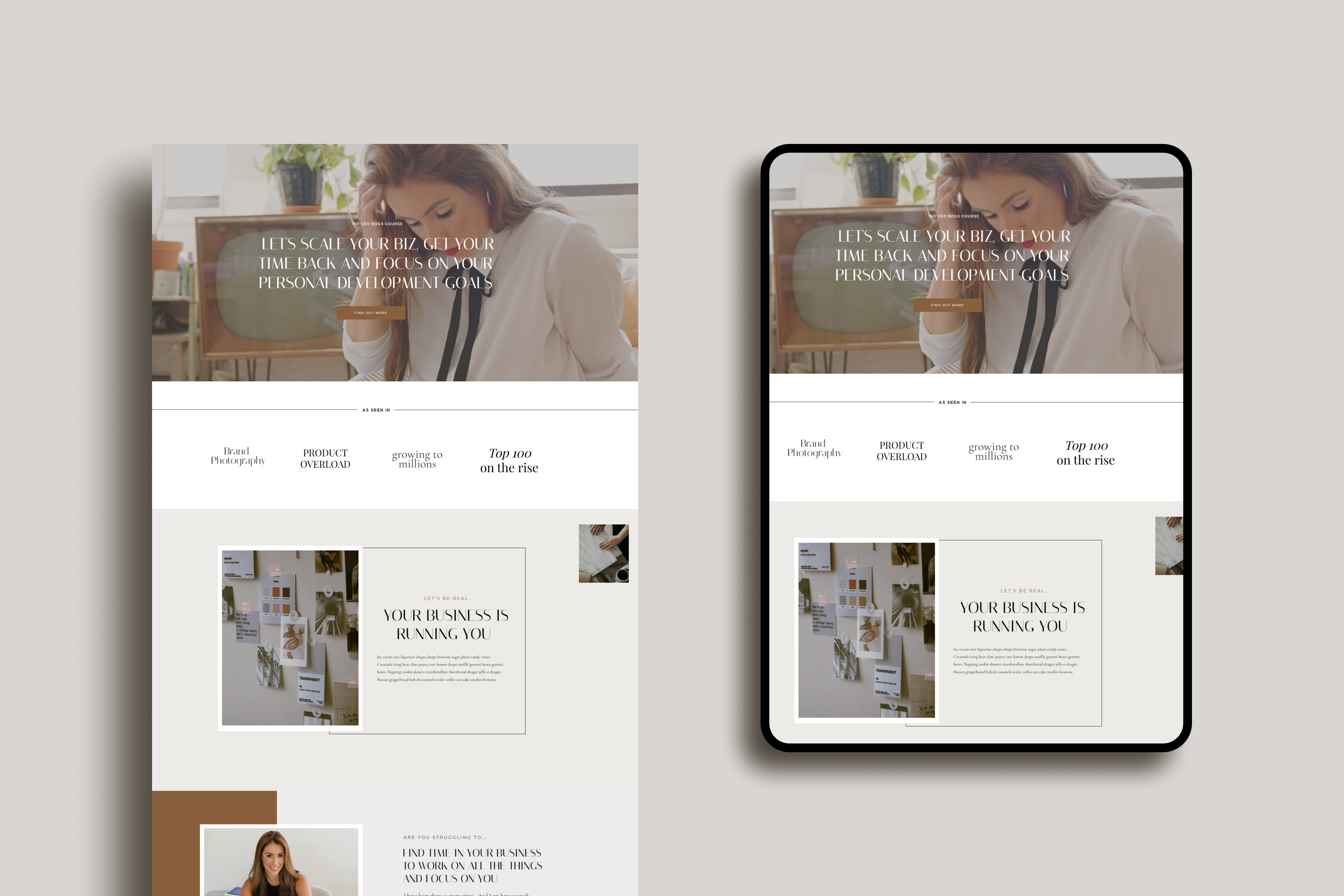
You’re killing your content game, building your brand, curating that dreamy feed. But let’s be real for a second.
If you’re snatching random pics off the web, you’re one download away from a copyright horror story. And not the kind where you survive to the sequel.
Not cute. Not worth it. Not today.
Hold my bubble tea ☕ while I walk you through this.
Here’s the thing. Great photos are non-negotiable for your brand. They’re the first thing people see before they read a single word of your gorgeous copy. The data backs this up: 94% of first impressions of a website are design-related. Visitors form an opinion about your site in 0.05 seconds. That’s 50 milliseconds. Your photos are doing the talking before your words even get a chance.
But “free” doesn’t mean “do whatever you want,” and the rules around stock photos? They’re messier than Mia Thermopolis’s hair before the royal makeover.
So let’s fix that. Consider this your glow-up guide to stunning, legal photos. No lawsuit drama.
In this post, you’ll learn:
- Why photos matter more than you think (the psychology is wild)
- The difference between copyright, licensing, and Creative Commons—decoded
- The rookie mistakes that’ll get your content flagged—or worse
- Where to actually find beautiful free photos (with real license breakdowns)
- How I find, edit, and organise my own photo library
- When it’s worth going paid
- How to name and tag your photos for SEO
Let’s get into it.
Why Your Brand Photos Matter More Than You Realise
Before we even get into the legal stuff, let’s talk about why this matters so much for your business.
I remember when I first started designing websites. I’d spend ages on the copy, the layout, the fonts. Then I’d drop in whatever stock photos I could find at 11pm the night before launch. Flips headscarf. The photos were an afterthought. And girl, it showed.
Your visuals aren’t decoration. They’re doing heavy psychological lifting behind the scenes:
- People remember 65% of visual content after 3 days, compared to 10% of written content
- Posts with branded images get 650% more engagement than text posts
- 93% of consumers say visual appearance is what makes them buy
- Consistent brand visuals can increase revenue by up to 33%
That last one is worth reading twice. Thirty-three percent. From visual consistency alone.
This is what psychologists call the Halo Effect. When your design looks polished, people assume your brand is credible. Your copy, your offers, your customer experience. One look at your website and they’ve already decided whether they trust you.
So when your stock photos look like they’re from three different decades? That halo shatters. Your brand goes from “she knows what she’s doing” to “hmm, is this legit?” in less time than it takes to blink.
What would Blair Waldorf do? She would not put a pixelated 2012 stock photo on her homepage. And neither should you.
The photos you choose do more than look pretty. They’re trust signals. Treat them like they matter.

What’s the Difference Between Copyright and Licensing?
Before we start downloading anything, we need to talk about the boring-but-essential stuff. Think of it as your Hermione Granger moment. We’re going to the library before we charge into the Forbidden Forest. This isn’t my first rodeo, and I don’t want it to be your last.
Copyright: Who Owns the Photo
Copyright is simple: the person who took the photo owns it. Full stop. You might have it saved on your hard drive. You might’ve found it on page one of Google. Doesn’t matter. They’ve got the receipts.
In most countries, copyright is automatic. The moment someone clicks the shutter, they own the rights. No registration needed.
NZ creators, heads up: New Zealand has a quirky rule called the Commissioning Rule. Under the Copyright Act 1994, if you commission someone to take a photo, you may own the copyright. But not the photographer. This is different from the US and most other countries. Most professional photographers in NZ use contracts that override this. Always check your agreement. Copyright in NZ also lasts for 50 years after the photographer’s death.
Licensing: Your Permission Slip
Licensing is your permission to actually use that photo. And not all licenses are created equal. Some are chill—like your favourite barista who gives you an extra shot for free. Others are strict—think airport security energy.
Here’s a quick breakdown of the main types you’ll encounter:
| License Type | What It Means | Can I Use It Commercially? |
|---|---|---|
| CC0 (Public Domain) | The creator gave up all rights. Do whatever you want. | Yes—no restrictions |
| CC BY (Attribution) | Use it freely, but credit the creator | Yes—just give credit |
| CC BY-SA (Share Alike) | Credit required + your adaptation must use the same license | Yes—with conditions |
| CC BY-NC (Non-Commercial) | Credit required + no commercial use | No—personal projects only |
| CC BY-ND (No Derivatives) | Credit required + you can’t modify the image | Yes—but no editing |
| Royalty-Free | Pay once, use multiple times. Not actually “free”—just no ongoing fees | Yes—within license terms |
| Rights-Managed | Pay per specific use (size, placement, duration) | Yes—for the exact use you paid for |
The CC stands for Creative Commons. It’s a standardised system that makes clear what you can and can’t do. Unsplash and Pexels use their own custom license. It sits close to CC0. As always, double-check it.
I know this table looks like something out of a textbook. But clear is kind and knowing the difference between CC BY and CC BY-NC could save you thousands. Bookmark this section. You’ll come back to it.
Rookie Mistakes That’ll Get You Dragged
Let’s make sure you don’t end up in a photographer’s DMs for the wrong reasons.
No Credit, No Chill
Some photographers want their flowers. If the license says “attribution required,” you give them a shout-out. Period. It takes five seconds and saves you a world of trouble. A simple “Photo by [Name] on [Platform]” in your caption or footer is all it takes.
Using Photos for Things They Weren’t Licensed For
Downloaded a stock photo for your blog and then slapped it on merchandise? That’s a whole different license, darling. Using it outside that scope is giving “lawsuit waiting to happen.”
This includes things people don’t think about:
- Using a free photo in a paid digital product or template
- Printing it on physical goods (mugs, prints, tote bags)
- Using it in paid advertising without checking the license terms
Selling or Redistributing Unmodified Photos
Unsplash has a generous license, but it has limits. You cannot sell the photos as-is or compile them into a competing stock photo service. The license gives you usage rights, not ownership.
Ignoring Third-Party Rights
See a brand logo in the background? Someone’s face? Random artwork on the wall? You might need extra permissions. Yes, even that random person photobombing in the background has rights.
This is especially important with recognisable faces. A license is not consent to use someone’s likeness to promote a product or service. Without it, you risk violating their privacy or publicity rights.
The “I Found It Online So It’s Free” Mentality
This is the biggest one. Just because it showed up in your search results doesn’t mean it’s yours to use. That mindset is very 2012, and we’re better than that now.
Can I Use Photos From Google Images?
Absolutely not.
I need you to hear this like Queen Clarisse telling Mia to sit up straight: Google Images is not a stock photo site. It’s a search engine. The photos that show up there belong to somebody, and “I found it on Google” is not a legal defence.
And this isn’t theoretical. Real people get sued for this—and the numbers aren’t small:
- Photojournalist Daniel Morel won $1.2 million from Getty Images and AFP. They took his Haiti earthquake photos from Twitter and sold them without permission
- Celebrity blogger Perez Hilton removed a photographer’s watermark and reposted their work. The suit sought $2.1 million
- Artist Richard Prince used photographers’ Instagram posts without consent. He had to pay $900,000
- Even the US Postal Service had to pay $684,844 for using a sculptor’s work on a stamp without proper licensing
These aren’t edge cases. Pixsy tracks hundreds of copyright cases like these every year. Some copyright holders use automated tools to find unauthorised use online. The demand letters start at $750–$30,000 per image.
This is exactly why we don’t gamble with Google Images. Stick to legitimate stock photo platforms. The free ones are genuinely excellent—there’s no reason to roll the dice.
Free Stock Photo Sites That Actually Slap
These are my go-to spots for photos that are free and legal. And they don’t look like they crawled out of a 2010 corporate brochure:
Unsplash
For that ✨aesthetic✨ energy. Perfect for vibey website banners, hero images, and Instagram-worthy content.
The license: Unsplash uses its own custom license (similar to CC0). You can download, copy, edit, distribute, and use their photos for free. The license includes commercial use. No attribution required, though it’s appreciated.
What you can’t do: Sell unaltered copies or use them to create a competing stock photo service. You also can’t use recognisable trademarks/logos in the images for commercial purposes.
Best for: Lifestyle, editorial, minimalist aesthetics, website hero images.
Worth knowing: Unsplash+ unlocks exclusive membership photos with model and property releases. It costs $8/mo annual and includes legal protection up to US$10,000 per file if a copyright or privacy claim comes in. If you’re using Unsplash photos commercially (website, social, client work), the legal cover alone makes it worth considering. Free Unsplash is still great—but Unsplash+ is the “sleep at night” upgrade.
Pexels
It’s giving “something for everyone.” They’ve got range, darling—lifestyle, business, nature, food, flat lays. Plus, they curate the collections that actually look like they belong together.
The license: Like Unsplash—free for personal and commercial use, no attribution required. You can edit photos freely.
What you can’t do: Sell unaltered copies. You also can’t use identifiable people in ways that are defamatory or misleading.
Here’s one I love: Vlada Karpovich’s collection—gorgeous lifestyle, travel, and cosy aesthetics. Perfect for that booktok/bookstagram vibe.
Best for: Diverse content, flat lays, workspace imagery, wide variety of styles.
Canva
Canva stays undefeated for design, but heads up—not all their stock photos are free, even on the free plan. Double-check the licensing before you download. Some have “Pro” versions and will watermark your design if you’re not paying.
The license: Depends on the specific image. Free images have different terms than Pro images. Always check.
Best for: Quick social media graphics where you’re combining photos with text overlays.
How I Actually Find and Organise My Photos
Finding decent stock photos used to feel like looking for a needle in a haystack. Half of them looked like someone who peaked in 2013 styled them. Your brain is fried after an hour of scrolling. It’s another “diverse team high-fiving in an open-plan office” shot.
I figured I’d spill the tea ☕ on the system I’ve built. It’s for finding, editing, and organising photos so you won’t struggle.
I tried a mix of free and paid for my social media content, website templates, and my own site. I loved the paid version. They’re up to date with current trends, especially for the editorial style I was after. But I’ve bookmarked a few free favourites to share with you today.
Search With Intention
I don’t type “woman working” and hope for the best. I use specific keywords that match my brand’s mood. Think “warm minimal workspace,” “editorial lifestyle flat lay,” or “moody cosy reading nook.”
The more specific your search, the less time you spend scrolling through photos. Especially the ones that look like they belong on a motivational poster in a dentist’s office.
Pro tip: Think in vibes, not descriptions. Swap “woman at desk” for “creative entrepreneur morning routine.” Photo search engines are getting smarter, use that.
Use Collections, Not Random Downloads
Here’s the game-changer. When you find a photographer that matches your vibe, look at their entire collection. If their photos have a similar aesthetic to your existing brand photos, it’s easier to mix them.
This is how you build visual consistency without spending a cent on a photoshoot. Find 2–3 photographers whose style overlaps with yours, and use their work as a cohesive set.
Edit for Consistency
I use Lightroom to crop, filter, or colour-grade photos so they match my brand palette. Most of the time I don’t edit them too much unless I took the photos myself, in which case I’ll do a full edit pass.
Even a simple crop or a subtle filter can make a free stock photo feel custom. Someone scrolling your feed or website can’t tell which photos came from Pexels.
Track Everything in Notion
This is where it all comes together. I use a Notion database to track every photo with these columns:
- Source (Unsplash, Pexels, paid, own photo)
- License type (CC0, CC BY, royalty-free, etc.)
- Attribution required? (yes/no)
- Where I’ve used it (blog, Instagram, website page, template)
- Photographer name + link
It sounds extra, when you’re managing photos across your website, blog, and socials. But you’ll thank yourself later. Especially if you ever get a licensing question, you’ll have the receipts.
Think of it as your photo copy bank. Like a save room in a horror game where everything is safe, organised, and you can finally breathe.
When to Level Up: Paid Stock Photos
Sometimes free photos aren’t cutting it and that’s okay. Think Lorelai Gilmore energy. She’d spend the extra money on the good coffee instead of settling for the diner stuff. (Okay, she loves Luke’s. Bad example. But you get the point.)
You want photos that scream premium without the DIY energy. And this is one area where I won’t gatekeep. Here’s exactly what paid platforms offer and whether it’s worth your budget.
The Middle Ground: Unsplash+
Before you jump to full-price paid stock, Unsplash+ sits in the middle. For $8/mo (annual), you get membership content. Model and property releases on every image, and legal protection up to US$10,000 per file. It’s the same Unsplash quality you already know. With the added legal safety net and exclusive photos that won’t show up on every other website in your niche.
Why Pay Full Price?
Paid stock platforms like Shutterstock and Adobe Stock offer:
- Higher quality and more niche selections. Think editorial, luxury, lifestyle categories that free platforms can’t match
- Exclusivity. Photos that are less likely to appear on every other website in your niche. You know that one Unsplash photo of the girl with the laptop that’s everywhere? Yeah.
- Better licensing clarity. Fewer surprises, clearer commercial use terms
- Current, trend-aware styling. These platforms invest in keeping their libraries fresh
Is It Worth the Investment?
If you’re spending 3 hours searching free platforms for a photo that kind of works? That’s 3 hours you could’ve spent on revenue-generating work. A $29/month Shutterstock subscription pays for itself the first time. It saves you a full afternoon of frustrated scrolling.
The investment pays for itself. When your website looks like an actual creative director styled it. Instead of someone who found the “Valencia” filter last week.
If you’re using website templates on Showit, paid stock photos are especially worth it. Your templates will look polished and professional from day one. Your clients will notice the difference. Remember, 55% of brand first impressions are visual. That first photo a visitor sees on your homepage? It’s doing more selling than you think.
Don’t Skip the SEO: How to Name and Tag Your Photos
While we’re talking about using photos on your website, don’t skip the SEO basics. This is where most people leave money on the table. This information shouldn’t be behind a $$$ course. It’s basic knowledge that everyone deserves access to. So here it is.
Rename Your Files (Please)
“IMG_4582.jpg” tells Google nothing. Rename every image before uploading:
- ❌
IMG_4582.jpg - ❌
photo final FINAL v2.png - ✅
minimal-workspace-flat-lay.jpg - ✅
cosy-reading-nook-lifestyle.jpg
Use lowercase and hyphens between words. Then include keywords that describe what’s actually in the photo. This gives Google “light clues” about your image content and helps you rank in Google Image search. It’s a bigger traffic source than most people realise.
Write Alt Text That Works
Alt text serves two purposes. Accessibility, where screen readers describe images to blind and low-vision users. SEO helps search engines understand your images.
The sweet spot is 80–140 characters. Be descriptive, be specific, and focus on what the image means in context, not what it shows.
- ❌
alt="photo" - ❌
alt="stock photo workspace laptop coffee free download unsplash pexels"(keyword stuffing, Google penalises this) - ✅
alt="Minimal workspace with open laptop, linen notebook, and morning coffee on a wooden desk"
Every image on your site needs alt text. No exceptions. It’s not only an SEO best practice. It’s an accessibility rule under WCAG guidelines. Laws like the ADA (US) and the European Accessibility Act back it up. Making your site accessible isn’t optional; it’s how we build a web that works for everyone.
Good alt text takes 30 seconds per image and makes your SEO work harder for you. There’s no reason to skip it.
TL;DR: Don’t Play Yourself
Let’s wrap this up, because I know you’ve got a business to run.
- Your photos are trust signals. 94% of first impressions are design-related. So make the right call.
- Copyright = ownership. The photographer owns it the moment they take it.
- Licensing = your permission slip. CC0, CC BY, royalty-free—learn the differences. There’s a table above. Bookmark it.
- Google Images is not a stock photo site. Rights holders have sued people for millions. We’ve been over this.
- Free doesn’t mean “do whatever.” Follow the rules. Give credit where it’s due.
- Use legit platforms: Unsplash and Pexels are excellent, free, and clearly licensed.
- Organise your photos in Notion. Then you’re not scrambling when someone asks “where did you get that image?”
- Consider paid when you’re ready to level up. Consistent, premium visuals can increase your revenue by up to 33%.
- Name your files and write alt text. It’s free SEO and it makes your site accessible. Win-win.
Nobody can make you feel inferior without your consent. But a copyright infringement notice? That one doesn’t ask for permission. So be the responsible digital creator we all need in this chaotic online world, and do it right from the start.
Okaythanksbye. 💛
Want Your Brand to Actually Look Like a Brand?
Ethical photo sourcing is one piece of the puzzle. Making them work together, on a site that looks polished and actually converts, is the bigger job. That’s what I do, brand and web design for creative business owners. I help their visuals to look intentional and not like a random pile of stock photos.
If that sounds like the glow-up you need, let’s talk.
Got questions about sourcing photos legally? Or want me to see your brand photo glow-up? Slide into my DMs—I love seeing this stuff come together. 💛
Now you know how to find and source ethical photos. But what about making sure people actually find your website? I’ve got a complete SEO guide for creative business owners (coming soon). It covers everything from Google Search Console to image SEO. And if you’re still figuring out what to write on your site, here’s my page-by-page website copy guide.
Related Posts:
- Brand Identity Before You Build—Define your visual style before sourcing photos
- How to Write Your Website Copy—Your copy and photos work as a team
Further Reading:


